Crypto treasury wallets for finance teams: a practical buying guide
How finance teams can evaluate digital asset wallets for approvals, separation of duties, payment operations, reconciliation, and continuity.

· 7 min read
On this page
What a finance team needs from a wallet
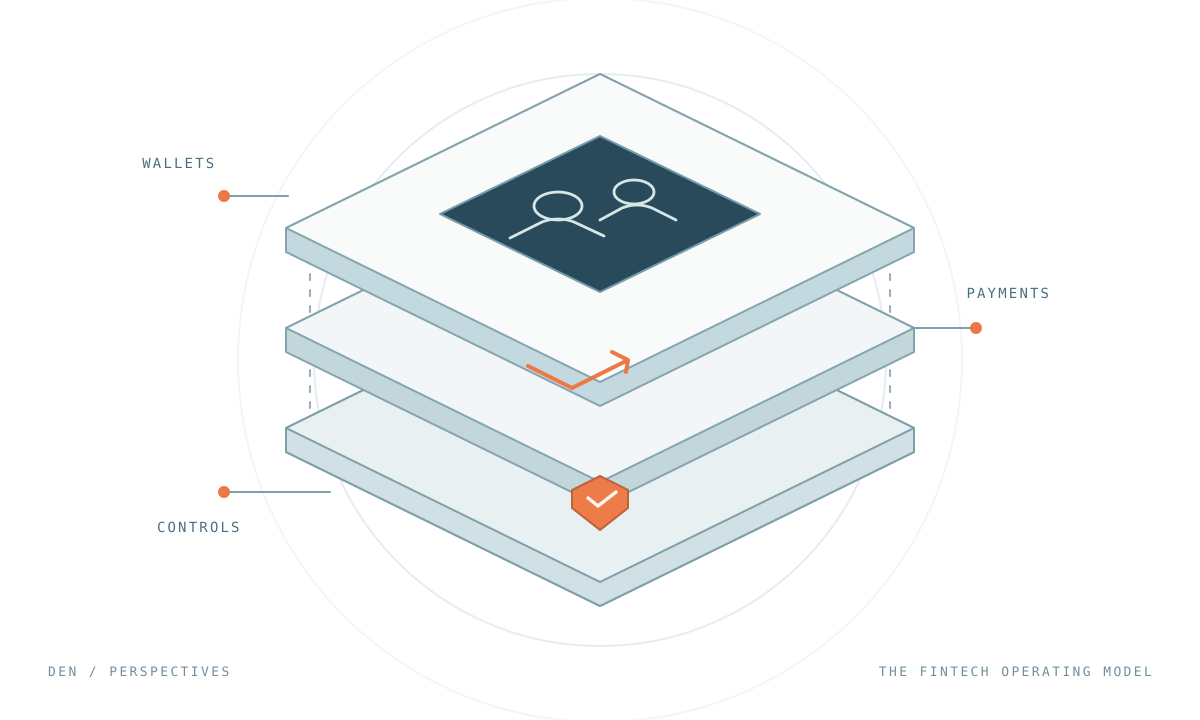
A crypto treasury wallet is a payment system that happens to settle on a blockchain. Finance should evaluate it the way it evaluates a bank portal or a payables tool, with five requirements in mind.
- Separation of duties. The person who prepares a payment should not be the person who approves it, and neither should be able to change the rules alone.
- Limits and allowlists. Routine payments to known vendors should flow without ceremony. Anything new, large, or unusual should stop and wait for a second person.
- Understandable review. An approver should see who is being paid, how much, from which account, and why, not a hexadecimal string.
- Evidence. At month end, every payment needs a business reference, a transaction hash, the approval history, and the fee, in a form an auditor can follow.
- Continuity. The process has to work when an approver is on holiday, and the assets have to remain reachable if the vendor disappears.
This guide walks through how those requirements translate into wallet features, using Den, Fireblocks, Utila, Fordefi, and Safe as reference points. Den publishes this blog.
Translate your payables policy into wallet rules
Start from the approval matrix you already have. Suppose a company we will call Northwind runs a simple policy: accounts payable can pay approved vendors up to 10,000 USDC per payment from the operating account, anything above that needs two of three finance approvers, moving money into a yield vault needs the treasurer, and adding a vendor needs the controller and the CFO. Here is how that maps to wallet policy concepts.
| Northwind rule | Wallet policy shape |
|---|---|
| AP pays approved vendors up to 10,000 USDC from Operating | Auto-approve token transfers from the Operating account when the initiator is in the AP group, the token is USDC, the recipient is on the vendor allowlist, and the amount is under the cap |
| Anything above 10,000 USDC | Manual review requiring 2 of 3 members of the Finance group |
| No more than 100,000 USDC leaves Operating per day | A time-based limit scoped to the source account |
| Yield vault deposits need the treasurer | A contract-interaction policy limited to the vault address and its deposit function, requiring Treasury approval |
| Adding a vendor address | An administrative change requiring the admin threshold, not a payment approval |
Wallet policies work per transaction and per time window. Rules about the invoice itself, such as paying each invoice exactly once, belong in your payables system and ledger, not in the wallet.
Den's policy engine expresses each row directly. Policies have an approval type of auto-approval or manual review by named members or groups, a transaction type of token transfer or contract interaction, filters on source account, initiator, token, recipient, and amount, contract-level filters on address, function, and argument values, and time limitations scoped per initiator, source account, or destination, either individually or across all of them combined. The example in the policy update guide is close to Northwind's first row: auto-approve USDC transfers under a threshold for a Finance group over a 24-hour window.
Other platforms express the same ideas in their own vocabulary. Fireblocks' Transaction Authorization Policy uses first-match rules with ALLOW, BLOCK, or 2-TIER actions, amounts measured per transaction or over a time window, and designated signers or authorization groups. Fordefi's rules condition on initiator, origin vault, address-book recipients, and USD amounts per transaction or per period. Utila has roles, limits, whitelists, and a quorum of admins. A Safe's core contract expresses only the threshold. Spending limits for a specific person come from the Allowance module. Transfer limits and approved-counterparty rules can come from Safe Shield's optional Guardian by Hypernative, a transaction guard enabled on request that approves low-risk transactions, flags suspicious ones, and blocks high-risk ones before execution. They can also come from a guard or module your own team deploys and maintains.
Ask each vendor to configure Northwind's table, then to show you the payment that breaks each rule.
Who holds the keys, and who can change the rules
Finance leads often assume a wallet vendor is a custodian. Usually it is not, and the difference matters for your risk register.
MPC platforms such as Fireblocks, Utila, and Fordefi split the key between your devices and the vendor's infrastructure. Neither side can sign alone, and the vendor's servers or enclaves decide whether a transaction matches policy. Fireblocks' policy engine runs inside SGX enclaves, and rule changes are signed by an admin quorum. Utila and Fordefi both require a quorum of admins for policy changes.
Safe puts the account and its threshold on the chain where anyone can verify it, with no vendor share at all. Den's accounts are also smart contracts, and Den adds a policy engine that the contract itself enforces, after the same policy has been checked on the signer's device and by Den's Guardian service. Changes to members, groups, policies, or admins require the organization's admin threshold. Set that threshold above one, as Northwind would, and no single administrator can rewrite the rules.
For the control owner, the test is simple. Can one person, including one vendor employee, change who is allowed to be paid? If the answer is anything other than no, write down the compensating control.
Make review understandable
An approver who cannot read the transaction is approving on trust. Ask to see the approval screen for three cases: a vendor payment, a contract call into a yield vault, and a transaction whose details have been changed after it was proposed.
Fordefi's approval flow shows the verified contract name, the simulated balance changes, and risk alerts. Fireblocks' transaction simulation previews estimated token balance changes on Ethereum and Solana alongside dApp protection. Safe Wallet's Safe Shield adds human-readable previews and risk insights to the signing flow. Den's dashboard and mobile app decode transactions so the approver sees the action, the destination, and the amounts, and the mobile signing client re-runs the policy engine before it will sign. Whatever platform you choose, insist that the approver signs on a device other than the one that proposed the payment. The 2025 Bybit incident, in which a compromised interface presented a disguised transaction to signers, is the reason.
Month-end evidence
Decide before the pilot which system is the source of truth for each field. A workable minimum:
| Field | Where it should live |
|---|---|
| Business reference (invoice, payroll run) | In the transaction record at creation, and in your ledger |
| Legal entity and account | The wallet account identifier mapped to your chart of accounts |
| Token, network, and raw amount | The transaction record, with decimals handled explicitly |
| Transaction hash and execution status | The wallet platform, confirmed against a block explorer |
| Who proposed, who approved, who rejected, and when | The platform's transaction and audit records |
| Fee | The platform record or the explorer, depending on who paid |
Den's transaction records carry the policy that governed the payment, the list of approvals and rejections, and timestamps, and a free-text description set at creation, which is where the invoice reference belongs. The audit log API returns a paginated, append-only record of transactions, approvals, policy changes, and administrative actions, exportable for regulator and auditor review.
Two details save finance teams real pain. First, retries. Den's API requires an idempotency key on every mutating request, so a client that retries a timed-out payout with the same key does not create a second one. That only works if your integration reuses the key for the same logical payment, so make it part of the acceptance test. Ask every vendor for the equivalent. Second, zero-value activity. Safe's CSV export includes only transactions that move value, so owner changes and token approvals must be pulled from an explorer or the Transaction Service. Any platform can have gaps like this. Reconstruct one month of real activity during the pilot before you trust an export.
Continuity: absent approvers and absent vendors
Approval routes fail on holidays. Prefer groups with a threshold over named individuals, and keep a documented process for adding an approver that itself requires the admin threshold. Den models approvers as members and groups, so a policy that requires 2 of 3 Finance members keeps working when one is away.
Disaster recovery is a separate question from a missing approver. Den's disaster recovery provides two independent paths, one to replace the Guardian and one to execute transactions directly, each controlled by a recovery address you configure and protected by a timelock of 2 to 30 days so your team can cancel an unauthorized attempt. These paths are for permanent unavailability, not temporary outages, and Transaction Recovery bypasses the policy engine. Your finance controls should treat that path the way they treat a bank's emergency signatory: known, tested, and never used casually.
Safe recovers through additional owners or a recovery module with a review window. Fordefi has five backup methods including threshold recovery phrases and third-party escrow. Whatever the mechanism, the finance team should hold the runbook and rehearse it once a year.
A pilot finance can run without engineering
- Configure Northwind's five rules, or your own equivalent, in the vendor's interface.
- Pay a real vendor a small amount and confirm it auto-approves.
- Submit a payment to a new address and confirm it stops.
- Submit a payment over the cap and approve it from a second person's phone.
- Try to add a recipient to the allowlist as a single administrator and confirm it requires a second approval.
- Export the month and reconcile it line by line against the explorer.
- Read the recovery runbook and identify who holds each key or recovery address.
If a step needs an engineer to explain what happened, that is a finding about the product, not about your team.
Where Den fits
Den was designed around the operating model in this guide. Finance teams get a dashboard with decoded transactions and approvals on a mobile signing client, policies that express limits, allowlists, and thresholds without custom code, an append-only audit log, and rules that are enforced by the signing client, Den's Guardian, and audited onchain contracts rather than by one server. Den covers network fees within a plan allowance, so nobody in finance has to think about gas balances. The limits to know are that Den supports EVM networks only and that integration runs through the API and a developer SDK, which matters more to your engineers than to you.
Read Safe vs MPC wallets to understand the account models behind these controls, or Fireblocks vs Utila if those two are on your shortlist. Our treasury page summarizes how Den approaches corporate digital assets.